12 AI Automation Superpowers You Get with Agentive AI Employee
Discover the powerful automation capabilities of your Agentive AI Employee: from email and document processing to social media posting, transcription and even AI phone calls.
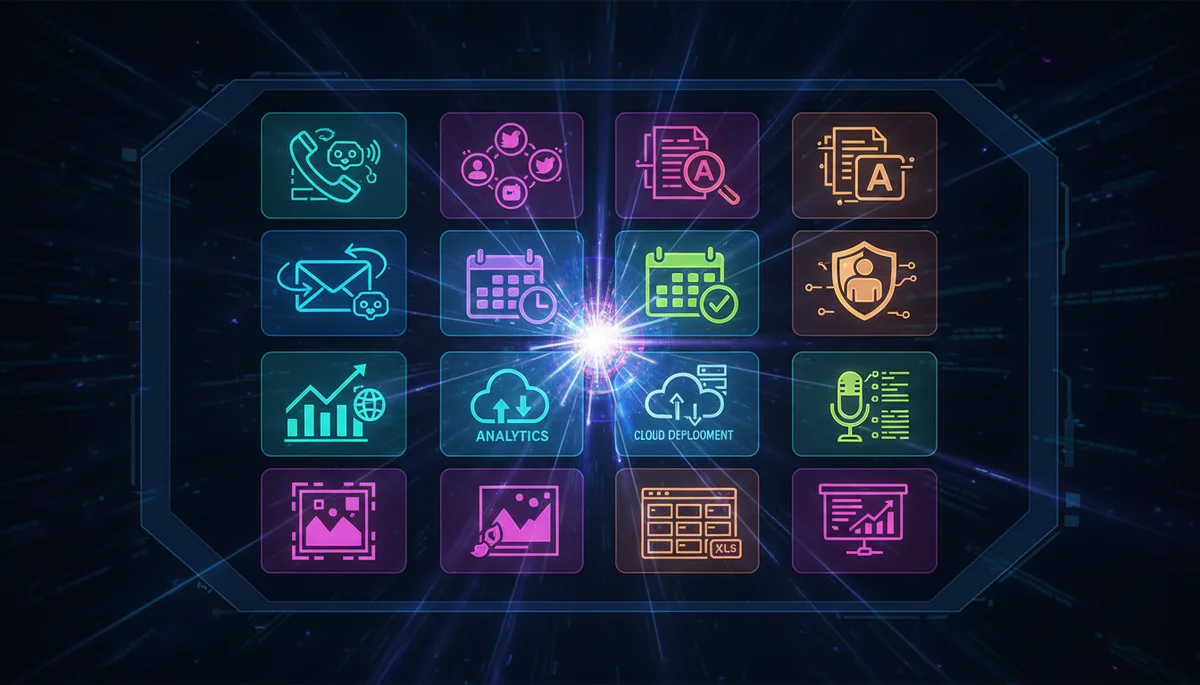
Your Agentive AI Employee is not just a chat interface. It is a fully capable AI agent with access to powerful automation tools. Its core focus is bookkeeping, accounting and the day-to-day running of your business, and around that core it ships with 12 built-in capabilities that make it a productivity powerhouse.
1. Email Management
Read, search, and send emails using the himalaya CLI integration. Your agent can:
- Check for important messages
- Draft and send replies
- Organise your inbox
- Find specific emails by content or sender
2. Document Processing
Handle multiple document formats:
- PDF: Extract text, fill forms, merge and split documents
- Excel: Create spreadsheets, analyse data, generate charts
- Word: Create and edit documents with formatting
- PowerPoint: Build presentations with multiple slides
3. Social Media Posting
Post to LinkedIn and Twitter/X simultaneously with text, images, and videos. Your agent can draft content, add relevant hashtags, and publish across platforms.
"Post to LinkedIn and Twitter: We just launched our new AI Employee service with exciting features!"4. Image Generation
Create images from text descriptions using Google’s Gemini Imagen API. Generate marketing assets, social media graphics, or visual content on demand.
"Create an image of a futuristic city skyline at sunset with flying cars"5. Audio and Video Transcription
Transcribe audio files (MP3, WAV, M4A) and video files (MP4, MOV) using Deepgram’s AI transcription. Perfect for meeting notes, interview transcripts, or content repurposing.
6. SMS Messaging
Send text messages directly through your agent. Useful for notifications, reminders, or automated workflows that need to reach people instantly.
7. AI Phone Calls with Natural Voices
Your AI Employee can make phone calls using realistic AI-generated voices powered by ElevenLabs and Twilio. It is not a headline feature, as our focus is bookkeeping and accounting, but the marketing skill set can put it to work for automated reminders, follow-ups and customer outreach.
"Call John at +61 400 123 456 and remind him about tomorrow's meeting"The agent handles the call, speaks naturally, and reports back the conversation.
8. Android Device Control
Control your Android phone remotely via ADB:
- Tap buttons and navigate apps
- Type text messages
- Take screenshots
- Automate repetitive mobile tasks
This opens up automation possibilities for apps that do not have APIs.
9. Web Research and Scraping
Search the web for current information and extract data from websites. Your agent stays up-to-date and can gather competitive intelligence, market research, or any web-based information.
10. Infrastructure Automation
Deploy and manage cloud infrastructure. Real example from our users:
"Deploy an Outline VPN server on AWS Lightsail in Sydney"The agent creates the server, configures the VPN, and provides connection details. This task normally takes hours, but the agent completes it autonomously.
11. Code Execution and Development
Write, execute, and debug code across multiple languages. Your agent can:
- Run bash commands
- Execute Python, JavaScript, and other scripts
- Install packages and dependencies
- Manage git repositories
12. Multi-Session Workflow Management
Run multiple named sessions for different projects or contexts. Switch between them seamlessly:
/session work
/session personal
/session project-alpha
Each session maintains its own conversation history and context.
How It All Works Together
The real power comes from combining these capabilities. Example workflow:
- Research: Search the web for competitor pricing
- Analyse: Extract data into a spreadsheet
- Visualise: Generate charts from the data
- Document: Create a PDF report
- Share: Email the report to your team
- Announce: Post key findings to LinkedIn
All of this happens through natural conversation with your agent.
Getting Started
Ready to put these superpowers to work for your business? Visit our pricing page to choose the plan that suits you. Your Agentive AI Employee is deployed automatically within 1 hour, and our YouTube training videos walk you through connecting your tools.
What will you automate first?
Frequently Asked Questions
What can an Agentive AI Employee automate?
It ships with 12 built-in capabilities, including email management, document processing, social media posting, image generation, audio and video transcription, SMS messaging, AI phone calls with natural voices, and Android device control. It is a full automation platform, not just a chat interface.
Can the AI Employee make real phone calls?
Yes. It can make phone calls using realistic AI-generated voices powered by ElevenLabs and Twilio. It is not a headline feature, as the core focus is bookkeeping and accounting, but the marketing skill set can use it for reminders, follow-ups and customer outreach, triggered with a simple plain-English instruction.
Does it post to social media and manage email?
Yes. The AI Employee can publish to your social media channels and manage email on your behalf, alongside its other tools. You direct it in natural language and it carries out the task inside your connected accounts.
How do I tell the AI Employee what to do?
You give it plain-English instructions. For example, asking it to call a contact and remind them about a meeting is enough for it to place the call. There is no scripting or workflow builder required.
Is the AI Employee just a chatbot?
No. It is a fully capable AI agent with access to powerful automation tools that take real action, from making calls and sending messages to generating images and transcribing media. That is what separates it from a standard chat interface.